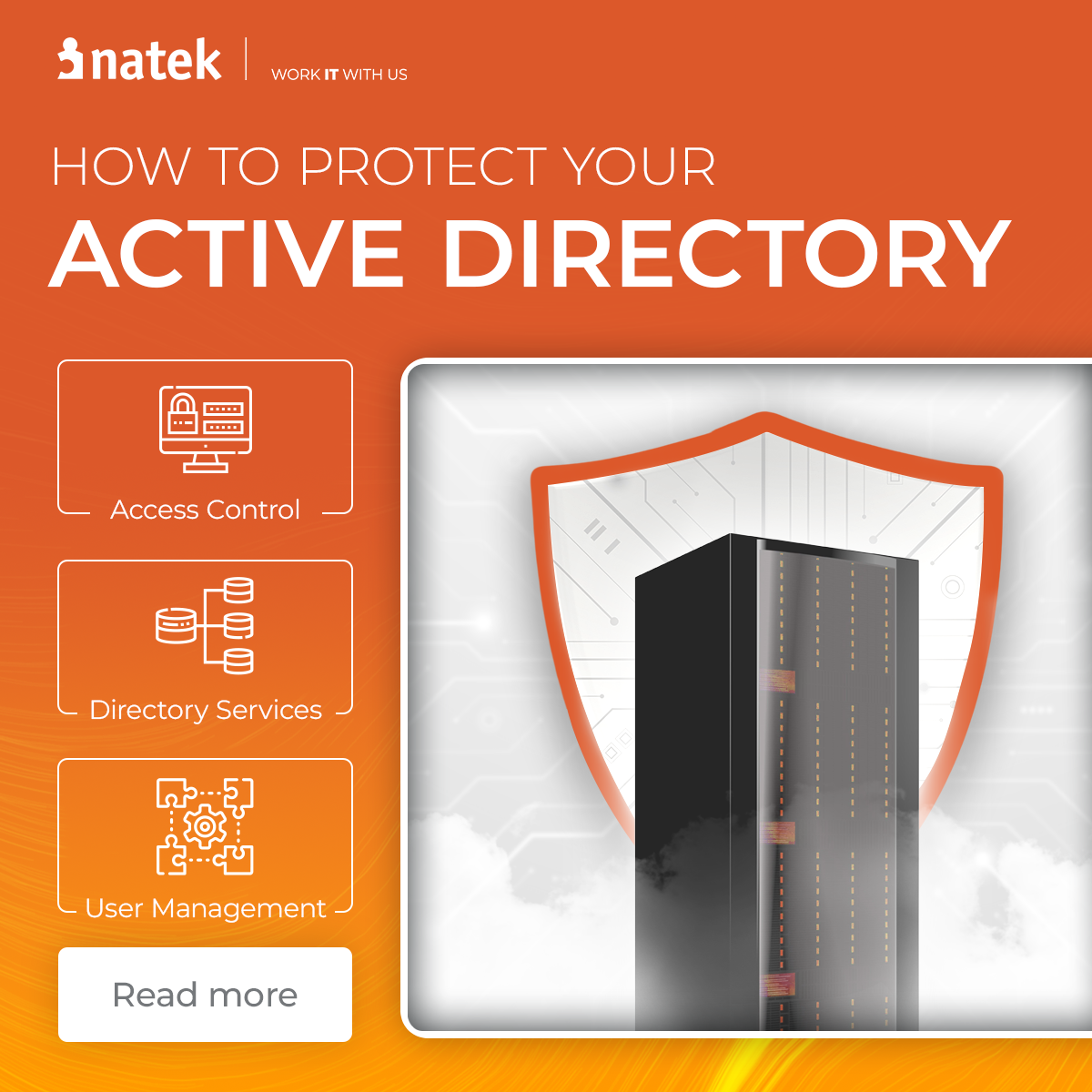


Active Directory (AD) and its cloud counterpart Microsoft Entra ID are extremely important systems in organizations. Active Directory stores information about user accounts, computers, groups, and policies to facilitate network security and management. They act as databases and sets of services connecting users to network resources, storing directory data in a structured and manageable way. They also enable employees to work smoothly and efficiently on a daily basis. The challenge, however, is that, as the primary authentication and authorization methods, they contain a wealth of critical information about a given environment - including directory data such as the number of users, computers, permissions, and security policies - making them often the first ports in cyber attacks. Targeting AD provides attackers with detailed information needed to compromise secure access to sensitive data, and implement ransomware, and other nefarious activities. So how to effectively protect our AD against cyber attacks? You will find the answer in the article below.
The security of Active Directory Domain Services is critical
Active Directory is a directory service developed by Microsoft for Windows domain networks. It is a powerful tool for organizing and managing access to the company’s IT resources. It is a perfect solution for companies around the world (including most of the Fortune 500 companies). As a catalog service, it allows IT administrators, among others for central management of the configuration of workstations, user accounts and authorizations, remote installation of application software, as well as integration with other external systems based on it.
Securing Active Directory users, especially domain administrator accounts, is critical due to their high privileges within the AD forest. To enhance security, strongly secure domain administrator accounts by renaming them from the default and implementing strong password policies. Limit the use of highly privileged access to Active Directory to authorized personnel only, and always perform administrative tasks from a locked-down secure admin workstation (SAW). Disable local administrator accounts to reduce the risk of credential compromise, and implement managed service accounts (MSA) to automatically manage complex passwords for service accounts. Regularly find and remove unused accounts to maintain Active Directory security.
Active Directory also includes built-in security features such as access control, auditing, and encryption to help protect sensitive data and monitor for suspicious activities.
Therefore, it is very important to realize that the installation and implementation of Active Directory in the default configuration is just the beginning of the way to a secure infrastructure based on this solution, and leaving the service in such a state is an open gate for cybercriminals’ activities. Businesses need to be aware of security vulnerabilities and take steps to defend their AD. Steps such as using security tools or applying best practices to protect their networks from cyber attacks.
Active Directory Infrastructure
The infrastructure of Active Directory is built around a highly organized and efficient structured data store, which is designed to enhance query performance and ensure that network users can quickly locate and utilize the information they need. At the heart of this infrastructure are domain controllers - specialized servers running the AD DS role. These domain controllers are responsible for authenticating and authorizing all users and computers within a Windows domain network, acting as the gatekeepers for access to network resources.
Active Directory relies on several key technologies to provide a robust and flexible framework. It uses the Lightweight Directory Access Protocol (LDAP) versions 2 and 3 for directory queries and updates, Microsoft’s implementation of the Kerberos protocol for secure authentication, and Domain Name System (DNS) for locating domain controllers and other services. This combination ensures that the directory service is both secure and scalable.
The Active Directory database is a central location where information about network resources - including computers, users, and groups - is stored. This database supports the management of access permissions, allowing administrators to control who can access what within the organization. Additionally, the infrastructure supports related services such as Active Directory Certificate Services, Active Directory Federation Services, and Rights Management Services, further extending the capabilities of the directory service and enabling secure collaboration both within and outside the organization.
By providing a structured, centralized, and secure environment, the Active Directory infrastructure empowers organizations to manage their network resources efficiently, maintain strong access controls, and support the evolving needs of modern IT environments.
Active Directory vs. Microsoft Entra ID
The growing interest of organizations to build their infrastructure in the cloud and move to a hybrid environment prompted Microsoft to develop Microsoft Entra ID (formerly Azure Active Directory), which provides users with a centralized directory for all cloud applications and servers. Microsoft Entra ID has a free edition that provides user and group management, on-premises directory synchronization, basic reports, self-service password change for cloud users, and single sign-on (SSO) across Azure, Microsoft 365, and many popular SaaS apps. And while Entra ID plays a similar role to Active Directory, it doesn’t understand legacy Windows Authentication Protocols. Therefore, it cannot be a direct replacement for local AD. Organizations that need to use both of these systems connect them using the Microsoft Entra Connect tool (formerly Azure AD Connect). The tool synchronizes objects from on-prem to the cloud.
Microsoft Entra ID delivers a complete identity and access management solution with integrated security that protects applications, data, resources, and devices whether on-premises or in the cloud. Built on Zero Trust principles, Microsoft Entra ID is a recognized leader in identity and access management, helping prevent identity attacks and secure access across organizations. Microsoft Entra Suite is a unified identity and network access solution for securing access for your workforce, and Microsoft Entra ID P1 or P2 is a prerequisite for Microsoft Entra Suite.
It is also worth emphasizing that Active Directory is still fully supported and widely used, and there is currently no 1:1 equivalent of this service in the cloud that would fully replace all its capabilities - especially in the context of legacy systems, Kerberos-based authentication, and deep integration with on-prem infrastructure. This is why many organizations continue to operate in hybrid models, combining AD with Microsoft Entra ID.
And when organizations connect Entra ID to AD, securing their cloud environment becomes even more important. Why? Because inadequately secured it is a straight path to the on-prem environment!
How to protect Active Directory?
Active Directory is the first port in cyberattacks in many cases. Microsoft estimates that about 90% of the attacks their team investigates are involving AD in some form. Whether it was the initial attack vector or intended to gain persistence or privileges. Attackers often target Active Directory domains and use tools like BloodHound to analyze and identify vulnerabilities within these domains, which can then be exploited to escalate privileges. These numbers emphasize that strong AD security is essential in today’s modern enterprises. Fortunately, there are ways organizations can defend themselves to prevent malicious users from breaking into the network and causing harm.
We decided to take a look at a few activities that our team uses in a project for our client - a leading global IT software and service company providing IT and product engineering services with a strong Nordic heritage. These are the basic actions any organization can take to protect AD from cyber attacks. It is also crucial to be vigilant about patch management and vulnerability scanning for Active Directory.
Principle of least privilege
One of the basic elements from which we should start is the principle of least privilege. What is it about? Limiting the scope of rights for accounts to the smallest possible, allowing for the performance of necessary tasks. Organizational units (OUs) in Active Directory serve as hierarchical structures that facilitate administrative delegation, policy application, and organizational modeling. OUs resemble organizational structures and allow administrators to control access to network resources by applying policies and delegating permissions at different levels. It is important to note that Active Directory requires a separate step for an administrator to assign an object in an organizational unit as a group member within that unit. In addition, for tasks requiring administrative privileges (e.g. password changes, modification of privileges, data backup on the file server) we should use separate accounts and we should use them only when necessary. Organizations should also take into consideration the configuration of delegation for individual administrative accounts, where you can configure granularly the scope of operations that a given account can perform on objects (users, computers) located in a specific Organizational Unit (OU) of the AD structure.
"In the case of Microsoft Entra ID, it is worth knowing that services such as Privileged Identity Management. It allows eligible users to request certain permissions when needed. A person who has Approver rights may in this case grant privileges for a specified period of time. And it’s a much safer account management option."

Additionally, in PIM it is possible to introduce the so-called Access Reviews. It allows for generating periodic reports on users who have privileged roles and verifying whether the roles are still needed by them.
Implementation of good identity processes for user accounts
Whether in small organizations or large multinationals, the process of creating user accounts and adding them to groups is simple. Removing inactive users who are no longer needed is another story altogether. Microsoft estimates that more than 10% of user accounts in AD have been inactive. They are posing a serious security risk as external attackers can use these accounts to infiltrate the organization. During the takeover of the project from the client, we also discovered many privileged accounts of employees who no longer work in the company. With tools like PowerShell, organizations can easily identify and remove inactive users and computers.
In organizations we can also automate user lifecycle processes by implementing e.g. PowerShell scripts or automation accounts and creating comprehensive lifecycle workflows. For example: checking for inactive accounts, creating workflow to trigger an incident (like a ticket in ServiceNow). Another example is a script that checks if a standard user account was disabled and verifies whether other admin accounts linked to that user exist - if yes, it disables them as well.
Monitor for unusual activity
Continuous monitoring of AD for suspicious activity is a key component of preventing, detecting, and stopping malicious activity. Deploying a security information and event management (SIEM) solution with user and entity behavior analysis such as Microsoft Sentinel enables organizations to aggregate and analyze activity across their IT infrastructure, including any changes to privileged accounts and group membership.
Microsoft offers also different tools for monitoring, such as Defender for Cloud Apps or Microsoft Entra ID Identity Protection. The tools collect and aggregate logs and send alerts when, for example, atypical travel (logins from geographically distant locations), repeated unsuccessful attempts to log into the account, or download of large amounts of data from servers are detected.
Automation will pay off
Investing in comprehensive SIEM threat detection tools, such as Microsoft Sentinel, can be very profitable for an organization. It allows for partial reallocation of resources to other tasks. These tools can automatically monitor and process suspicious activity and reduce the time needed to resolve incidents.
At our client, the Security Team has programmed Microsoft Sentinel Logic App in such a way that, when a specific security incident occurs, it sends an e-mail to the person whose account is suspicious and the person can confirm the authenticity of this login. Thanks to this, there is no need to involve the Security Team in each alert.
Protect your Active Directory
Active Directory management and security is something many organizations still struggle with. These methods of securing AD, although they are only a fragment of possible solutions, allow to significantly improve the level of security in an organization based on this service, hindering attackers’ efforts to escalate privileges and allowing organizations to quickly, completely, and smoothly recover data in the event of an attack.
An important element of improving security is also regular assessment of the Active Directory environment using dedicated tools. One of the most popular solutions is Ping Castle, which allows you to quickly scan the AD environment and generate a detailed security report.
"Ping Castle assigns a security score and provides clear recommendations on what should be improved to increase the level of protection. It also helps determine how well the domain is secured and identifies potential weaknesses. An additional advantage is its relatively simple deployment and ease of use."
During such assessments, it is crucial to evaluate the directory configuration to ensure the logical arrangement and security boundaries - such as forests, trees, and domains - are properly set and maintained.
There are also other tools supporting security assessments, such as Microsoft Service Hub, which offers built-in assessment capabilities. However, it requires prior configuration of a service account and appropriate permissions. After running such an assessment, organizations receive a comprehensive report covering, among others, inactive accounts, incorrect Kerberos protocol settings, or other configuration issues that may affect security. Active Directory management tools may not provide enough functionality for efficient workflow in large environments, prompting the use of third-party tools.
Of course, it is possible to create custom scripts and perform such checks manually - but why reinvent the wheel, when ready-to-use, proven assessment tools already exist and provide much broader and more reliable insights?
Organizations should also remember that taking care of security is not only the implementation of specific solutions. It is also everyday activities ensuring the maintenance of the environment in a safe state and allowing to react in time to detected security incidents. This is not only about regularly updating systems with the latest security patches but also about reviewing event logs, verifying domain accounts, checking group membership, and controlling access lists on file servers. It is also about constantly expanding knowledge about new threats and solutions that allow organizations to fight them effectively.
Get in touch!
We wrote this article in cooperation with Emil Jasiński, NATEK Cloud Specialist, who provides comprehensive care in the field of Azure to improve existing processes for NATEK clients. Need some assistance with Active Directory management in your organization? Go to our contact page or message our Sales Prospection Team Lead Andrzej Osman on LinkedIn or at andrzej.osman@natek.eu to tell us about your needs. Contact us and #growITwithus!